
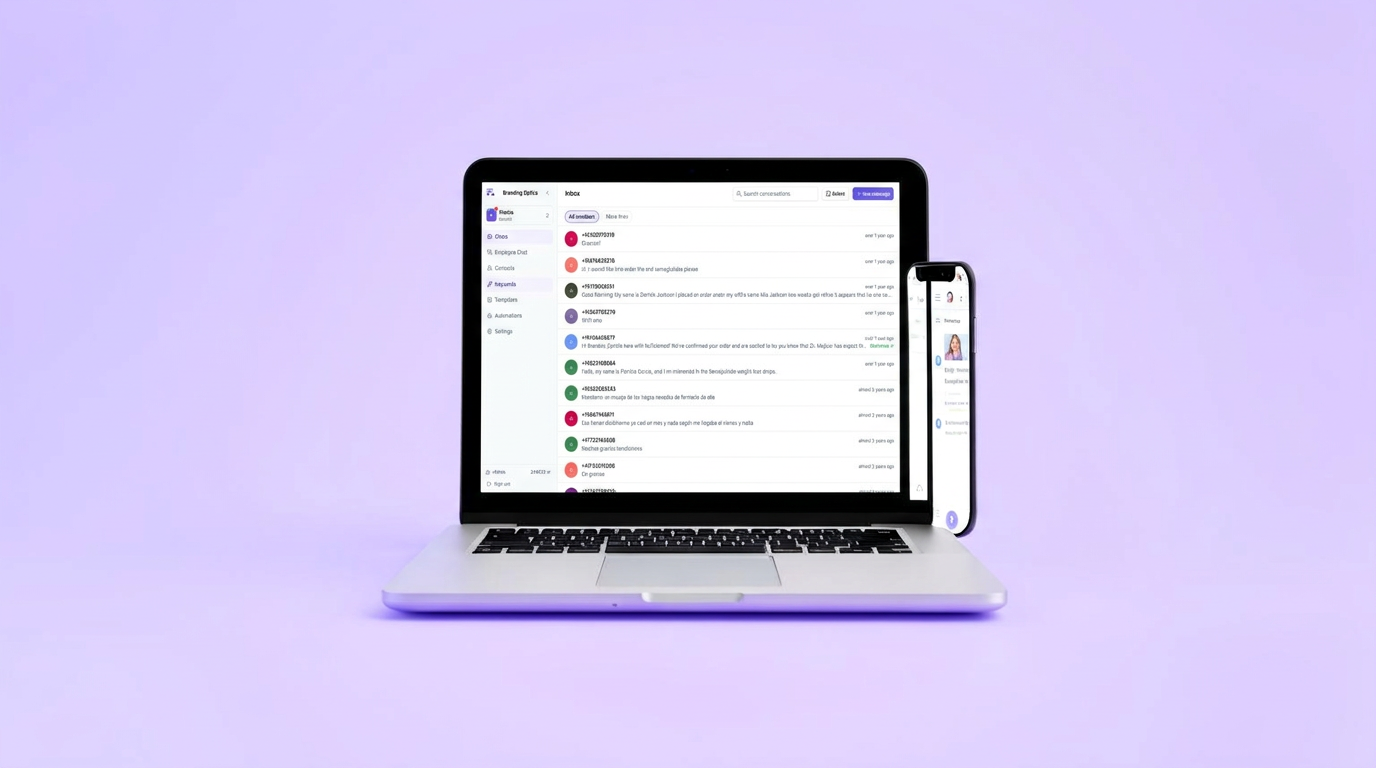
Conversational messaging
Run every customer text together in one shared inbox.
Assign conversations, filter by phone number or department, send pictures, and answer common questions automatically.
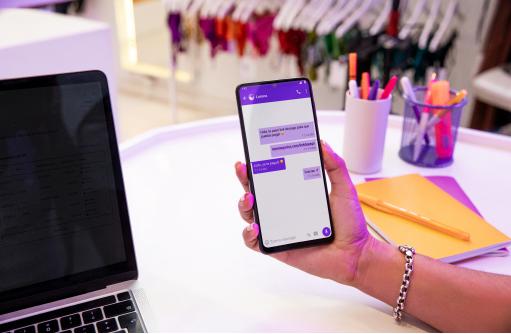
All-in-one business communications & marketing
Every text, campaign and customer conversation. Handled in one place.
Branding Optics gives your business a shared inbox for day-to-day texting, multi-channel marketing broadcasts, physical QR and tap-to-message tags, and enterprise directory sync — with clear pricing that grows with you.
No card needed to start.
- US carrier approved (10DLC verified)
- Bring your own landline or pick new numbers
- High-deliverability email built in
- Microsoft Entra ID enterprise sync
Team messaging & operations
A shared inbox your entire team can run together.
Stop juggling company phones or forwarding texts between employees. Every incoming text from every customer lands in a shared command center where teammates can reply, assign and follow up in seconds.
As many lines as you need: Filter the inbox by individual phone number, department, or view all conversations in one stream.
Rich pictures & saved templates: Send photos, contracts and quick saved replies with a single click.
Free private team chat: Talk to your staff inside the same app without mixing customer threads with internal notes.
Keyword auto-replies & automated flows: Reply instantly to words like hours, pricing or quote, or set up step-by-step intake conversations that run on their own.
Spam control & line safety: Automatic flooding detection and one-click number blocking keep troublesome contacts out of your inbox.
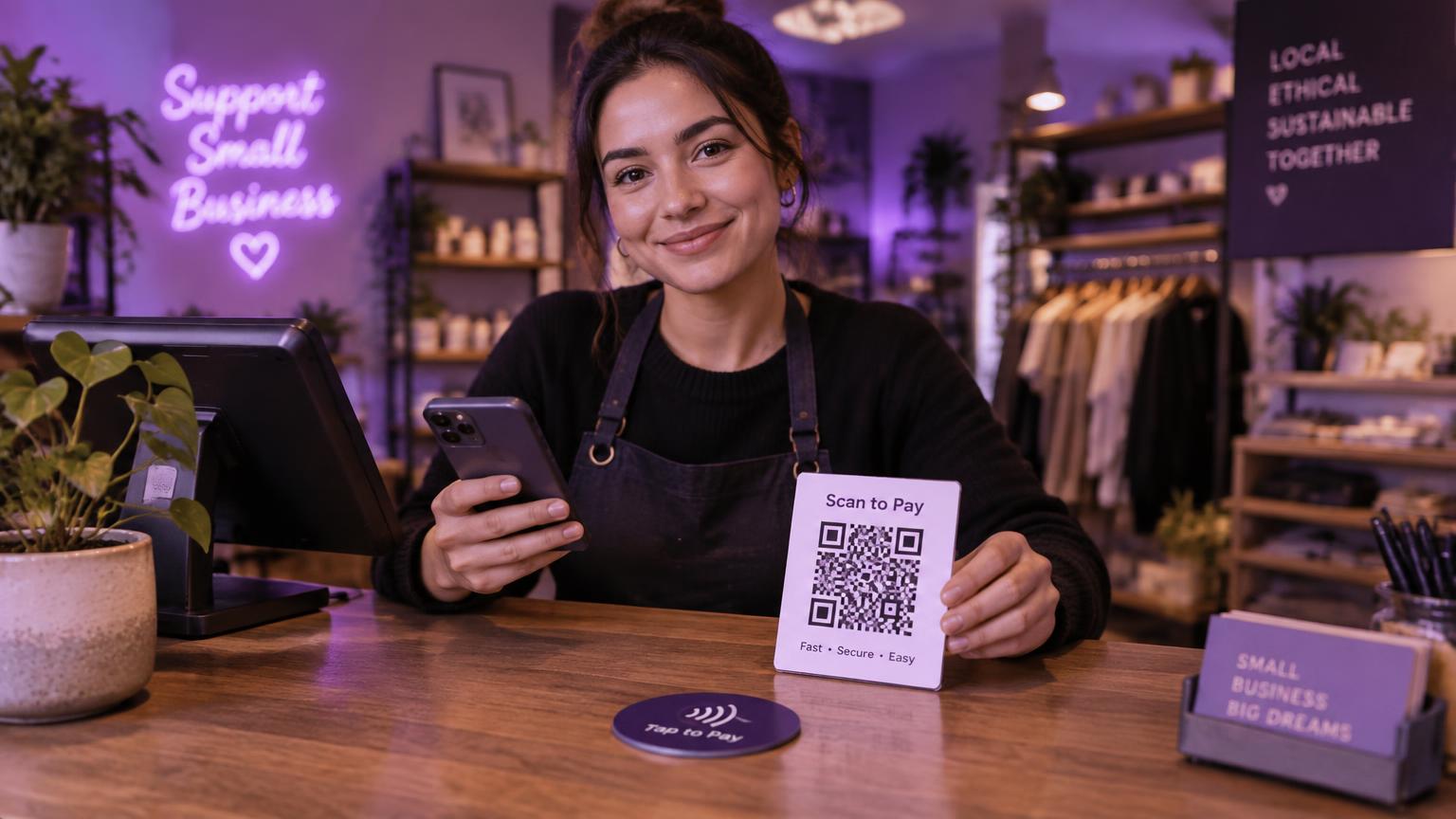
Campaigns & promotions
Reach your audience everywhere — by text, email and in real life.
Turn contacts into repeat customers. Run high-impact broadcast campaigns across text and email, distribute tracked offers, and connect physical storefronts directly into your digital audience.
High-speed text broadcasts: Send promotions to thousands of customers at once, with live message-part costing so you never overpay.
High-deliverability email campaigns: Rock-solid inbox placement, separate monthly email allowances and one-click unsubscribe compliance built in.
QR codes & tap-to-text NFC tags: Put smart QR codes on menus, flyers and packaging, and place tap-and-text chips on store counters to start instant conversations.
Tracked short links & claim pages: Create custom claim pages for discounts, contests and giveaways, and track exact clicks and redemptions in real time.
Automated compliance: Built-in STOP and START handling plus email suppression lists ensure you always respect customer preferences.

Numbers & infrastructure
Keep your existing number or pick new ones. Sync your team seamlessly.
You don't need to change your business number or carrier to start texting. Keep your trusted landline, add new local and toll-free lines in seconds, and manage staff access straight from your company directory.
Bring your existing phone numbers: Text-enable your current business landlines without moving your voice service or switching carriers.
Instant local & toll-free lines: Search by area code and add new numbers whenever you expand.
Microsoft Entra ID directory sync: Automatically sync staff from Microsoft 365 or Active Directory with role mapping and verified company domains.
Multi-business management: If you run several companies or franchise locations, switch between them instantly without signing out.
Two-step sign-in security: Industry-standard two-factor authentication keeps every team member's account locked and protected.
Simple, transparent pricing. No hidden fees or surprise overages.
Every plan includes your core messaging features, rolling monthly allowances, and separate top-ups that never expire.
Trial
$0for 14 days
Try the whole platform before you pay.
- 100 test emails and test messaging
- Shared team inbox
- QR codes and campaigns included
Starter
$49per month
For a single location getting started.
- 500 text credits a month
- 10,000 marketing emails a month
- 1 included local phone number
- Shared team inbox & auto-replies
Growth
$149per month
For busy teams running promotions.
- 2,500 text credits a month
- 50,000 marketing emails a month
- 1 included phone number
- Broadcast campaigns, QR codes & NFC tags
- Promotional claim pages & analytics
Pro
$299per month
For multi-location and enterprise teams.
- 5,000 text credits a month
- 100,000 marketing emails a month
- Microsoft Entra ID directory sync
- Priority delivery
- Full API access & webhooks
What you pay as you send
- Texts are charged by message part — 1 credit per part.
- Outgoing picture messages cost 3 credits.
- Credit packs start at $10 for 500 credits and never expire.
- Optional automatic top-ups with a monthly spending cap.

Developers & integrations
Connect Branding Optics with your existing software and CRMs.
Plug your website, billing software or GoHighLevel account straight into the platform. Create keys with the exact permissions you choose to send texts, sync contacts and listen for live updates.
View API documentationFrequently asked questions
Ready to modernize your business communications?
Start your 14-day free trial today. Set up your business, choose your number and send your first text in minutes.
Start free trial